
1. Access the OHA Education & Events Calendar:
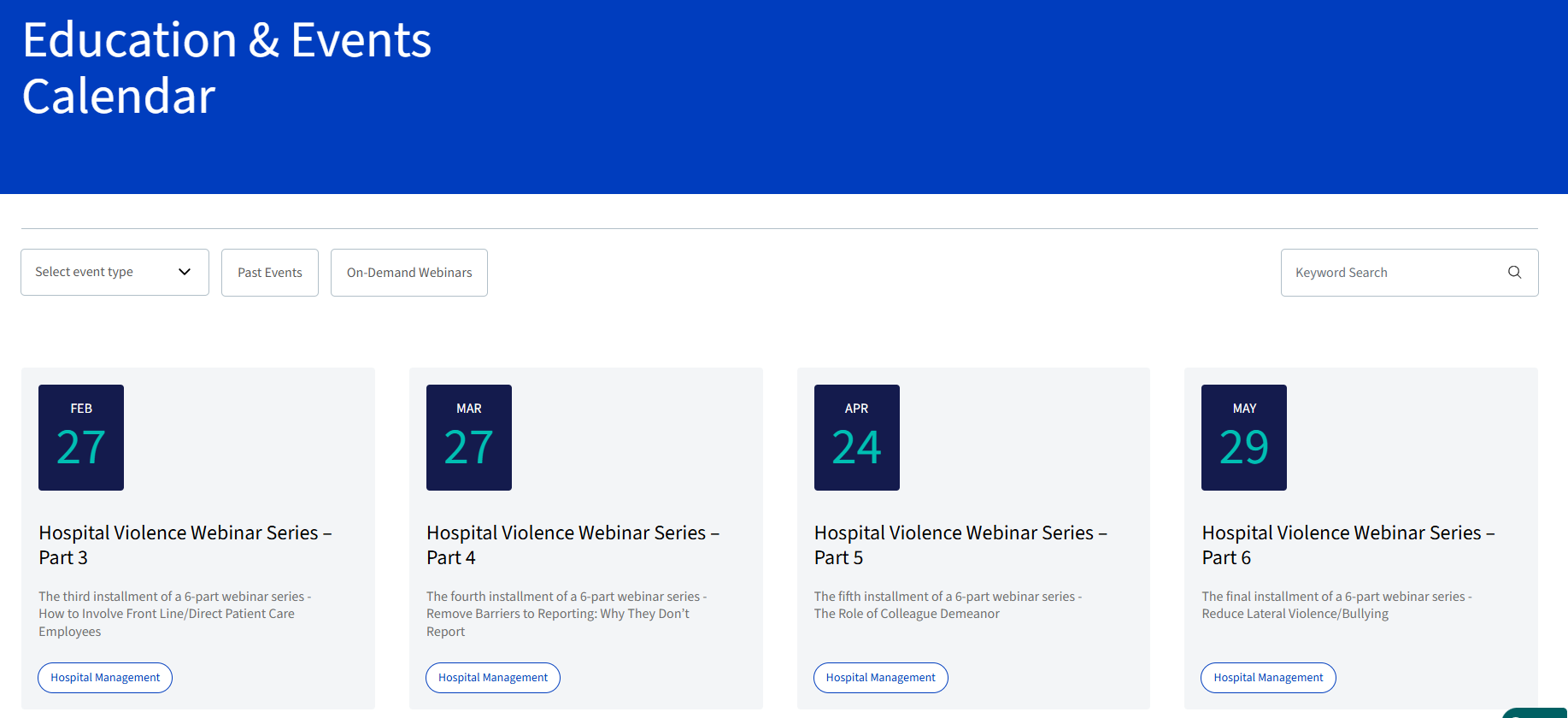
- Navigate to the OHA Education & Events Calendar.
2. Locate Your Event:
- Find the event you would like to attend and click on its box to open the event details.
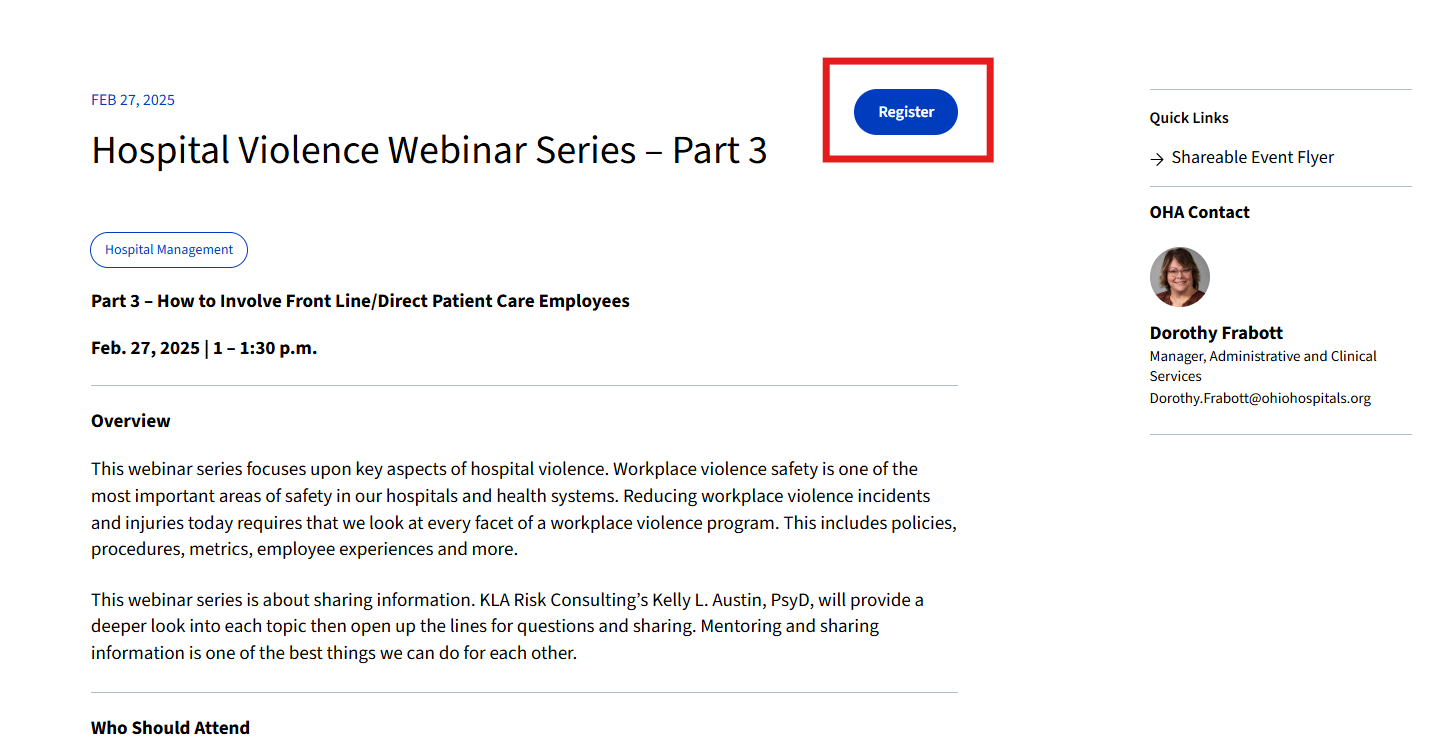
3. Start the Registration Process:
- In the upper-right corner of the screen, click the blue "Register" button.
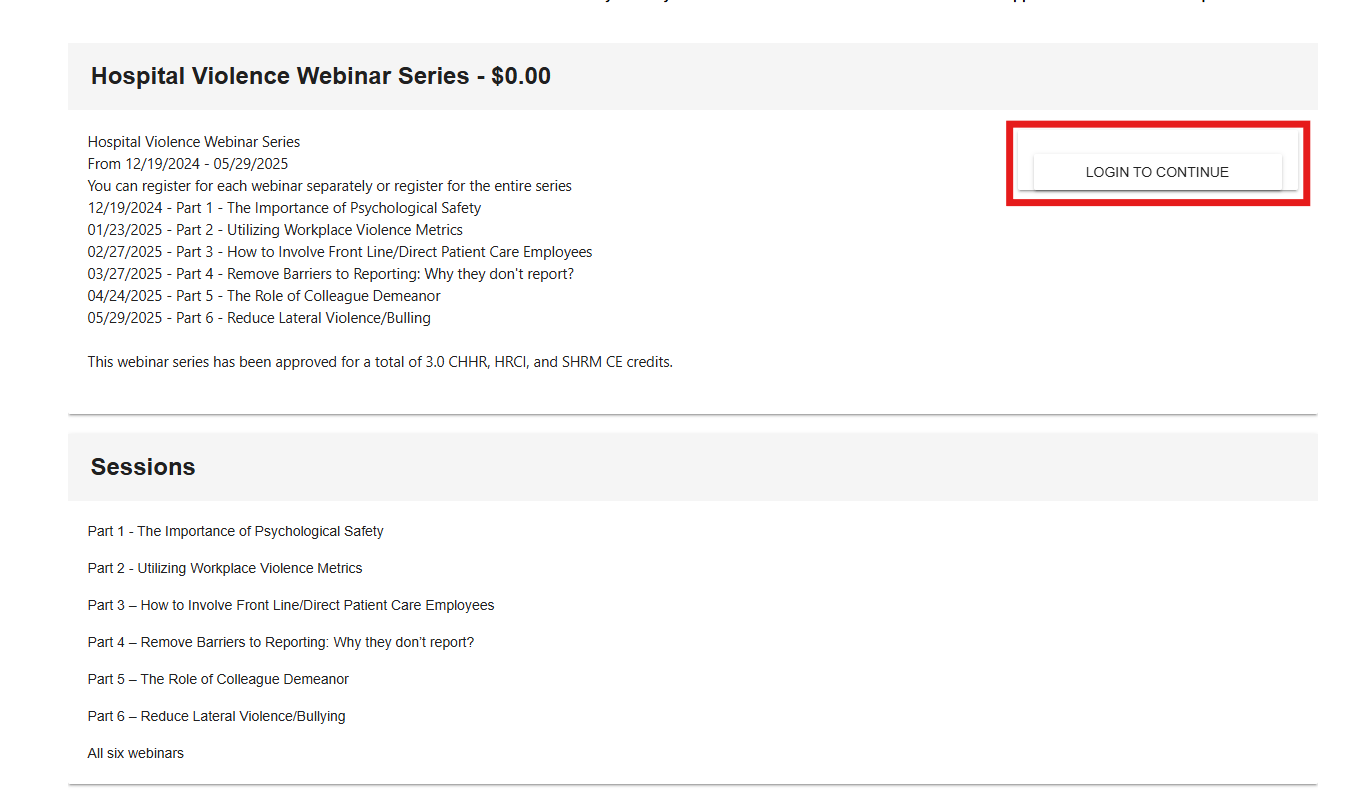
4. Log In To Continue (if prompted):
- If you are not already logged in, click "Login to Continue" on the next page.
- Enter your OHA username and password. Note: Your OHA username ends with "@myoha.org."
- Having trouble logging in? Click here for instructions.
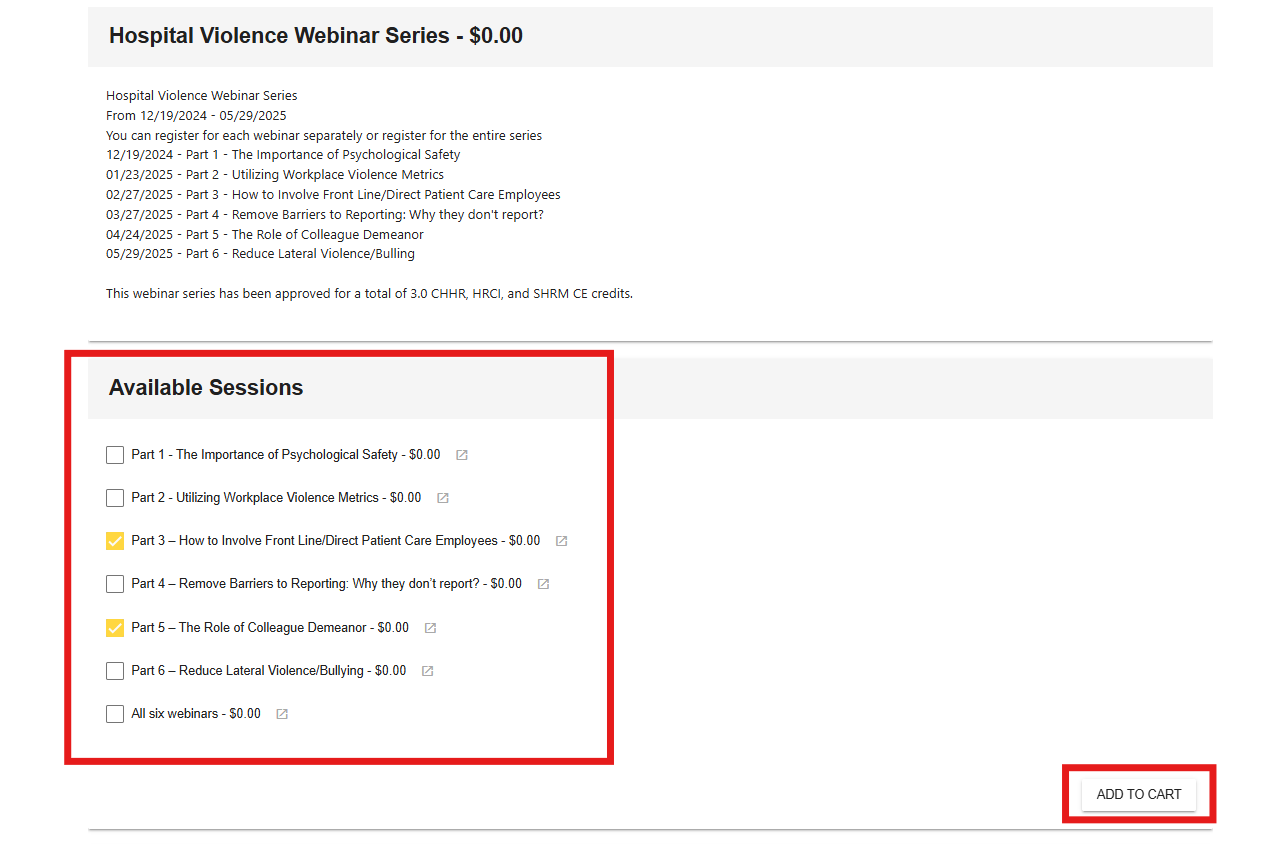
5. If applicable, select Your Session(s):
- If the event has sessions, pick the one(s) you want to attend. Then, click "Add to Cart" to continue.
- If there are no sessions, just click "Add to Cart."
6. Complete Your Registration:
- Scroll to the bottom of the page and click "Registration Complete."
- Follow the prompts in the shopping cart to finish checkout.